Subtle Chin Refinement
The adjustment focuses on visible submental fullness rather than dramatically changing the whole face.
Upload a portrait and create a subtle, natural-looking refinement beneath the chin while preserving your identity, expression and skin texture.
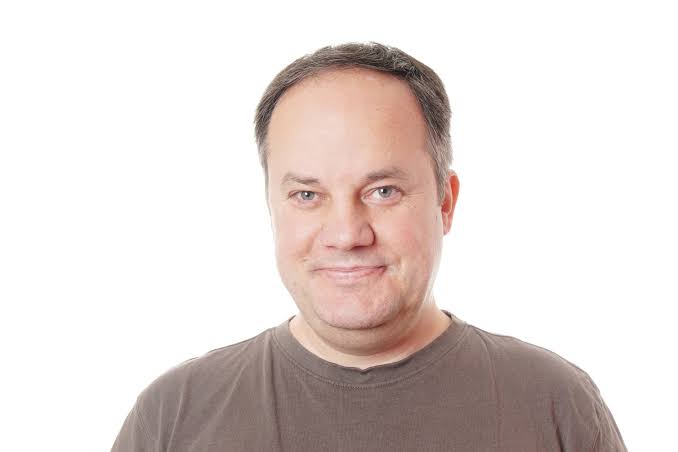
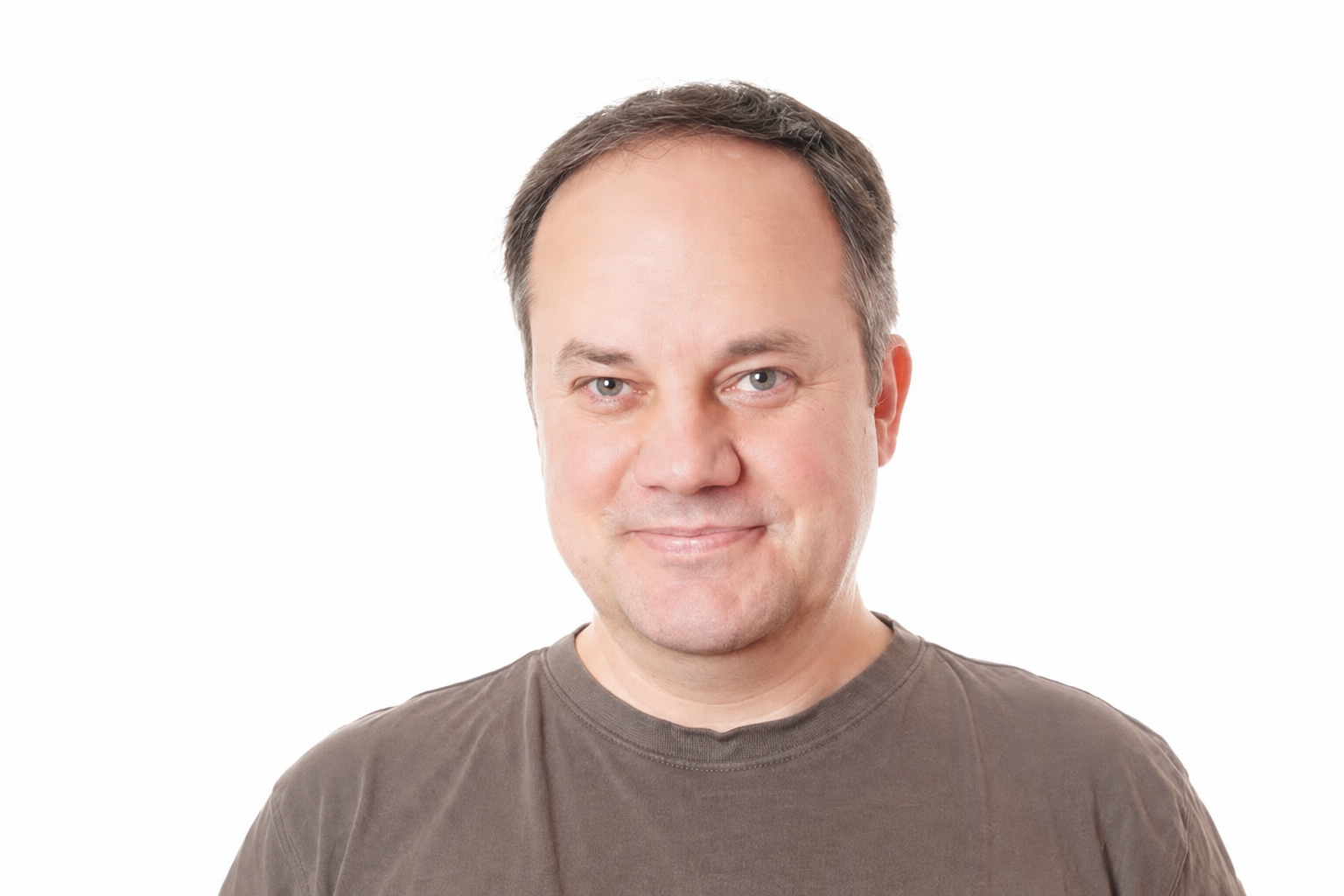
Choose a clear photo with the chin and neck visible.
JPG, PNG or WebP · Maximum 10MBPreparing your portrait…
Drag across the image to compare the original portrait with the AI refinement.
The editor sends a resized copy of your photograph to a secure server-side AI image-editing service. It is instructed to refine only the area beneath the chin and around the upper neck while preserving the rest of the portrait.
The adjustment focuses on visible submental fullness rather than dramatically changing the whole face.
The AI aims to maintain believable skin texture, lighting and a smooth jaw-to-neck contour.
Eyes, nose, lips, expression, hair, clothing, background and overall facial character are preserved by instruction.
The entire editing flow works in your browser, with the AI transformation performed securely through the server.
Choose a JPG, PNG or WebP image under 10MB.
Select the removal button and wait while the contour is refined.
Review the before-and-after result, then save the PNG image.
Use a sharp, well-lit portrait without hands, scarves, high collars or deep shadows covering the area beneath the chin. A front-facing or slightly angled photograph taken from a moderate distance generally provides a better result than a close wide-angle selfie.
AI image edits can vary with pose, lighting, image quality and anatomy. The output is a creative photo edit—not medical advice, a health assessment or a prediction of cosmetic treatment.
The AI is instructed to edit only the under-chin and immediately adjacent upper-neck contour. It should preserve face width and unrelated features, although all AI-generated edits should be reviewed carefully.
You can upload JPG, PNG and WebP photographs up to 10MB. The downloaded result is a PNG.
The image is transmitted to the server-side AI service to perform the requested edit. FaceSlimmer does not intentionally save the upload or result in its own database.
No. It is a creative photo-editing tool and should not be used for diagnosis, medical decisions or predicting a procedure’s outcome.
A convincing double chin photo edit should refine the transition between the jaw, chin and upper neck while leaving the person recognisable. This AI double chin remover is designed for portrait photographs where that area is clearly visible. It aims to preserve expression, skin texture and overall face width instead of applying a generic sharp-jaw filter.
Use the before-and-after slider to inspect the full boundary of the edit. Look closely at the jaw corners, the shadow beneath the chin, clothing edges and the natural curve of the neck. A believable result should still match the lighting and perspective of the original picture.
Choose the description closest to your picture.
The tool is instructed to retain identity, facial expression, hairstyle, skin character, clothing and background. It edits a photograph; it does not diagnose a condition, estimate health, or predict the outcome of weight loss or a cosmetic procedure. Results vary with pose, lighting and source-image quality.
You can upload a supported portrait and create a preview directly in this browser-based tool. Review the result carefully before downloading because AI edits can vary between photographs.
The editing prompt is limited to the under-chin and upper-neck contour and asks the AI to preserve unrelated features. Compare the entire face before saving to confirm that the output meets your expectations.
Harsh shadows, a cropped neck, low resolution or objects crossing the chin can make the boundary ambiguous. A clearer portrait usually gives the AI better visual context.