1
Upload Your Photo
Choose a sharp, well-lit portrait in which your face and hair are visible. Avoid hats, heavy shadows and objects covering the hairstyle.
Upload a portrait and preview Natural Grey, Cool Silver, Salt & Pepper or Platinum White hair. Compare the AI-edited result with your original photograph and download your preferred look.
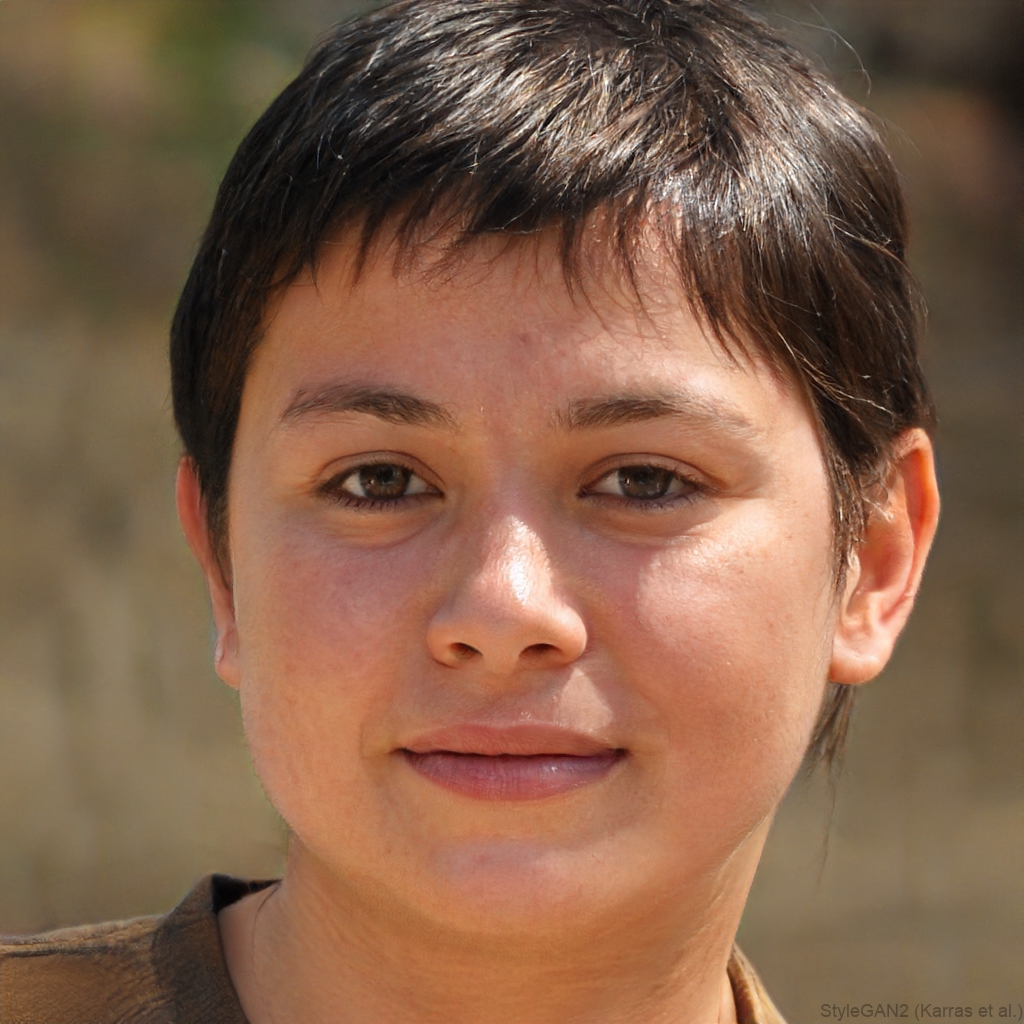
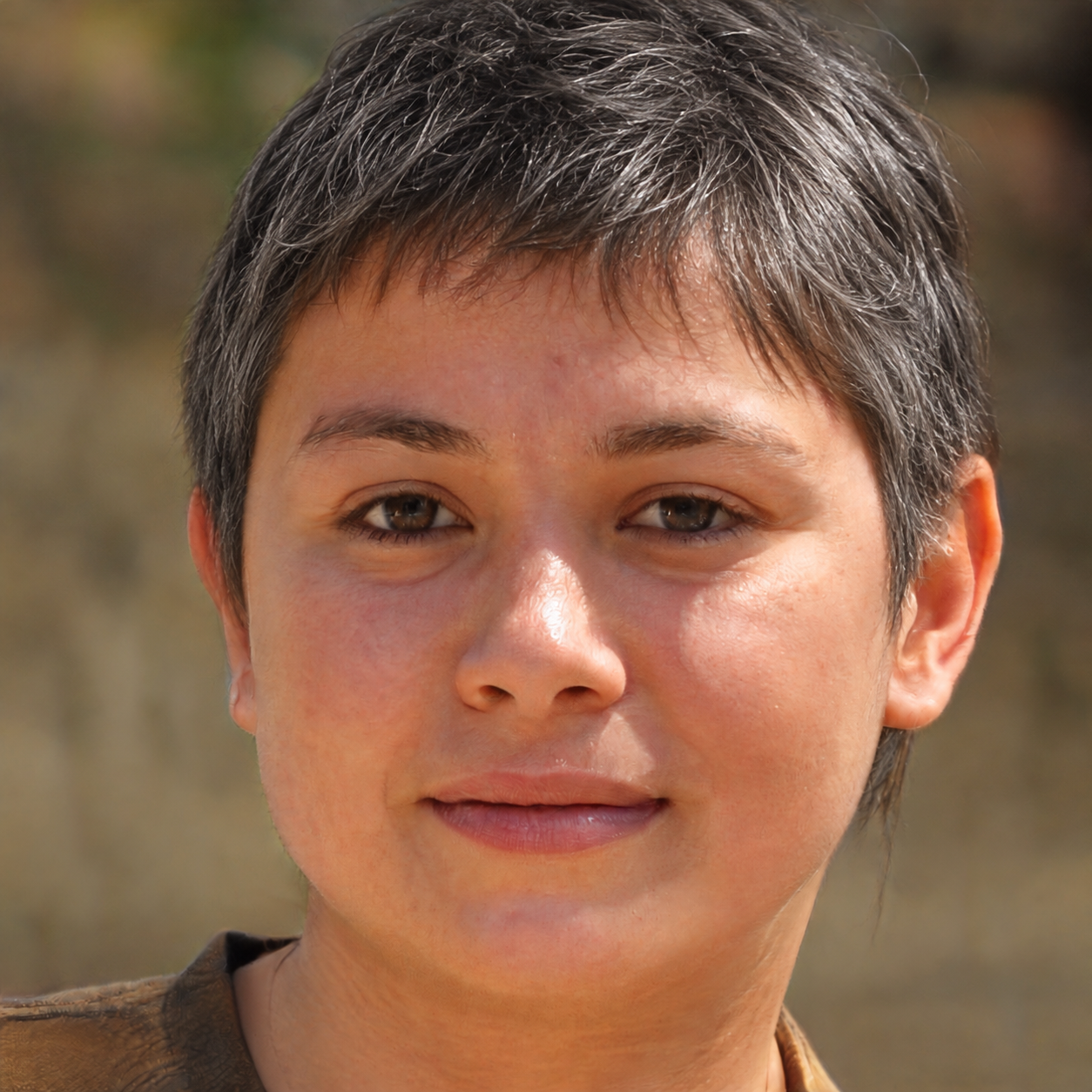
JPG, PNG, or WebP · Max 10MB
🔒 Secure server-side AI processing
Mapping the hair region and preparing your AI transformation
Loading AI models...
Drag the slider to compare before and after
Curious about how you would look with grey hair? Upload a photograph and create a virtual grey, silver, salt-and-pepper or platinum transformation. Explore a new style using your own face and hairstyle before making a real-world colour decision.
Our AI hair editor identifies the visible scalp hair and creates a new colour treatment while aiming to preserve your face, hairstyle, clothing, lighting and background. The result is a creative preview rather than a guarantee of what permanent hair dye will look like.
See how the AI changes the visible hair colour while preserving the portrait, facial features and background.
An AI grey hair filter is an online image-editing tool that creates a visual preview of grey, silver or white hair in a photograph. Instead of changing your real hair, it applies a digital colour simulation to the visible hair in your image.
This makes it useful for virtual makeovers, style inspiration and early planning before speaking with a colourist. Image quality, lighting, hair coverage and texture can all influence the final preview.
Choose a clear portrait, select your shade and let the AI create your preview.
Choose a sharp, well-lit portrait in which your face and hair are visible. Avoid hats, heavy shadows and objects covering the hairstyle.
Select Grey, Silver, Salt & Pepper or Platinum from the available colour options.
Select Change My Hair Colour. The tool maps the hair region and creates an AI-edited version of your photograph.
Drag the before-and-after control to review the change, then download or share the result if you are happy with it.
Explore four distinct directions while keeping your current hairstyle.
A balanced grey treatment designed for a soft, believable transition.
A brighter, cooler and more reflective look with a polished finish.
A blend of darker strands with visible grey for a gradual appearance.
A light, high-contrast transformation for a bold modern style.
A personalised preview uses your own face, hairstyle and photograph, making it more relevant than a generic example. It can help you explore a natural transition, imagine a cooler colour or simply try something different.
The transformation is still a digital interpretation. Hair condition, starting colour and salon technique will affect what can be achieved in real life.
Use the digital preview to explore an idea before committing to a physical colour treatment.
| Feature | Grey Hair Filter | Hair Dye |
|---|---|---|
| Changes real hair | No | Yes |
| Uses your photograph | Yes | No |
| Requires physical application | No | Yes |
| Temporary visual experiment | Yes | Depends on the dye |
| Useful before a consultation | Yes | Not in the same way |
What to expect from your virtual grey-hair transformation.
Upload a clear portrait and choose a grey, silver, salt-and-pepper or platinum look. The result depends on your lighting, hairstyle and image quality, so treat it as a visual preview rather than an exact prediction.
It is a digital photo-editing tool that changes the apparent colour of visible scalp hair without changing your real hair.
The tool maps the visible hair, protects the face and background, and sends the image through a secure server-side AI editing process to create the selected colour treatment.
Yes, although results vary with lighting, contrast, texture and how clearly the hair is visible. A well-lit portrait provides the best starting point.
Yes. Choose Cool Silver or Platinum White before generating your transformation. Natural Grey and Salt & Pepper are also available.
The editor is instructed to preserve facial features, skin, eyebrows, moustaches and beards while changing scalp hair only. AI results can vary, so review the before-and-after comparison carefully.
Your photo is transmitted securely to the server-side AI service to create the requested edit. FaceSlimmer does not intentionally save the uploaded photo or generated result in its own database.
You can upload JPEG, PNG and WebP images up to 10MB. The downloaded result is provided as a PNG image.
Yes. “Grey” is the common British spelling and “gray” is the common American spelling; both describe the same type of virtual hair-colour tool.
Upload a clear portrait, choose your preferred shade and create a personalised AI hair-colour transformation.
Upload Your PhotoA realistic grey hair filter should recolour visible scalp hair while keeping the face, eyebrows, beard, clothing and background unchanged. This simulator offers Natural Grey, Cool Silver, Salt & Pepper and Platinum White so you can compare different directions before making a real-world colour decision.
Grey and gray describe the same colour; the spelling changes by region. Whichever term you use, review the generated image around the hairline, ears, parting and loose strands. These boundaries are the best places to judge whether the virtual colour follows your actual hairstyle.
Choose the description closest to your photo.
A digital result is useful for exploring colour direction, but it cannot predict how dye will react with your hair condition, previous colour or undertone. Take a preferred preview to a qualified colourist for advice about achievable shades, maintenance and strand testing.
Yes. Upload a clear portrait, select a shade and generate a personal preview. The result reflects the photograph you provide rather than guaranteeing a real dye outcome.
It can recolour dark visible hair, although strong shadows and a similarly dark background may make fine edges harder to identify.
The editor is instructed to change scalp hair only and preserve eyebrows, moustaches, beards and facial features. Always inspect the final comparison because AI-generated edits can vary.
Discover our other AI-powered photo enhancement tools
Loading AI Models...
This may take a few seconds on first visit